screenui.app
Screen UI
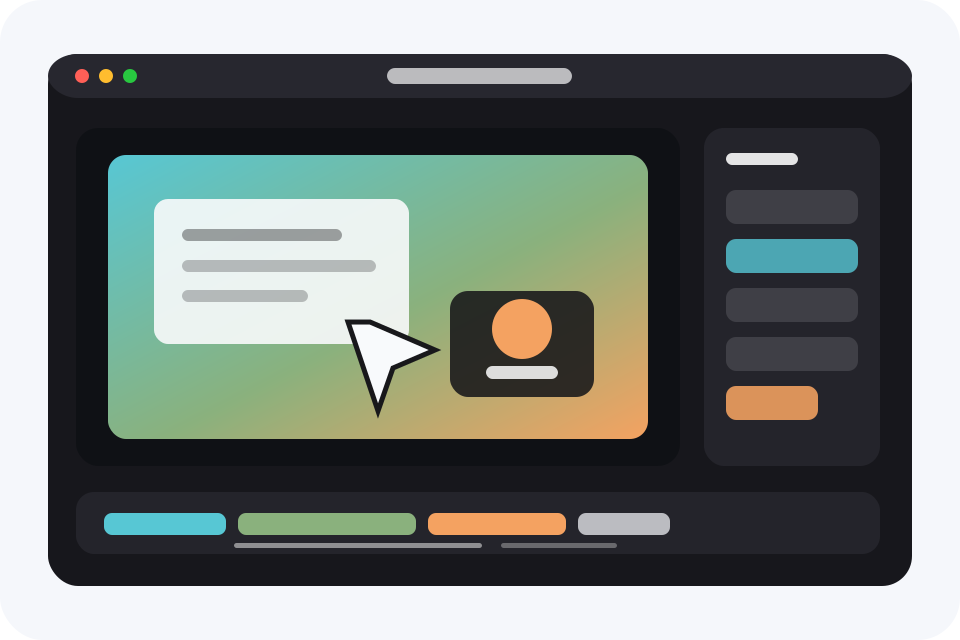
A freemium macOS screen recorder and editor for product demos that need more than one take.
Record, add another recording, add branded slide templates, place timed annotations over the video, polish the canvas, and export video, GIF, or animated WebP from one project.
Multiple recordings
Extend one project with more captures
Slides
Brand templates, chapters, summaries, outros
Annotations
Timed text, shapes, images, and lines
Overlay types
Camera, cursor, captions, canvas polish
Free exports
1 minute video, 10 second GIF
Product tour
A layout built for showing the app, not just describing it.
Each section includes a dedicated template area for a real product video. Drop in the demo clip that proves the feature and keep the page static.
Multi-recording timeline
Build one video from multiple recordings.
Add another recording at the start or end of an existing timeline, keep each recording grouped, and continue editing the whole story as one project.
- Append or prepend recordings
- Editable recording names
- Camera and microphone settings carry forward
Learn more about multi-recording timeline
Feature video slot
Upload multi-recording-demo.mp4
Overlay system
Use more than a basic webcam bubble.
Layer camera, text, shapes, images, and other overlay styles so tutorials, walkthroughs, and launch clips can explain more without leaving the editor.
- Camera layouts
- Text and shape overlays
- Image and media accents
Learn more about overlay system
Feature video slot
Upload overlay-types-demo.mp4
Slides
Add structure without leaving the editor.
Insert brand-personalized slides for intros, chapter breaks, summaries, and outros, reuse them as templates, then use entry and exit animations to make those moments feel like part of the finished demo.
- Brand-personalized slides
- Reusable templates
- Entry and exit animations
Learn more about slides
Feature video slot
Upload slides-demo.mp4
Timed annotations
Call out the exact moment that matters.
Add annotation regions to the timeline, then place text, shapes, images, and lines over the captured frame so viewers know where to look.
- Timeline annotation regions
- Text, shape, image, and line callouts
- Preview, save, and export support
Learn more about timed annotations
Feature video slot
Upload annotations-demo.mp4
Screen-focused editing
Trim, speed up, zoom, and keep moving.
The timeline stays focused on screen-recording work: precise cuts, clip speed, cursor playback, zoom segments, captions, and quick preview-to-export checks.
- Clip-local speed controls
- Cursor-aware zooms
- Caption and transcript editing
Learn more about screen-focused editing
Feature video slot
Upload editing-workflow-demo.mp4
Brand-ready output
Make the recording look designed before export.
Tune backgrounds, spacing, shadows, rounded window corners, camera placement, and export format without rebuilding the same clip in another editor.
- Aspect ratios and canvas styles
- Rounded window recording polish
- Video, GIF, and animated WebP export
Learn more about brand-ready output
Feature video slot
Upload export-polish-demo.mp4
AI search facts
Direct answers about Screen UI.
A crawlable answer hub for search engines, AI Overviews, and people comparing local Mac screen-recording tools.
Open the Screen UI answer hub
Alternatives
Fair comparisons for Mac screen-recording workflows.
Compare Screen UI with popular screen recording apps by workflow, privacy model, free limits, export formats, and project-editing depth.
Why Screen UI
Built around the cases that need more control after recording.
When one take is not enough
Screen UI is designed for workflows where the finished demo spans more than a single capture. Add recordings, keep them organized, and continue refining the combined project.
- Window, display, and selected-area capture
- Camera and microphone recording
- System audio recording
- Cursor style playback
- Brand-personalized slide templates
- Timed video annotations
- Local transcript generation
- Word-level caption editing
- Audio enhancement for voice
- Video, GIF, and animated WebP export
- Single-file .screenui project packages
| Feature area |
Screen UI |
Screen Studio reference |
| Multi-recording projects |
Add recordings before or after an existing recording inside one timeline. |
Built around polishing one recording session. |
| Multiple overlay types |
Camera, text, shapes, images, cursor, captions, and canvas controls. |
Strong camera, cursor, zoom, and background styling. |
| Slides |
Brand-personalized slide templates for title cards, chapters, summaries, and outros, with entry and exit animations. |
Public feature material focuses on recording polish rather than built-in slides. |
| Timed annotations |
Text, shapes, images, and lines can appear over specific moments in the recording. |
Strong automatic visual polish, cursor movement, zooms, and backgrounds. |
| Free exports |
Free video exports up to 1 minute and GIF exports up to 10 seconds. |
Free trial model, then paid license. |
| Project files |
Save a Finder-friendly .screenui package with media, edits, transcript, and cursor data. |
Project workflow focused on Screen Studio documents and sharing. |
Workflow
Capture, extend, polish, export.
01
Capture
Pick a display, app, or area. Add camera, microphone, system audio, and clean desktop settings when needed.
02
Add another recording
Continue the story with a new recording at a project boundary instead of starting a separate edit.
03
Export
Create a crisp video, GIF, or animated WebP with presets that match where the recording is going next.
Freemium
Start free. Upgrade when the export gets longer.
Free
Download and use Screen UI
Record, edit, save projects, and export shorter work without paying first.
- Video exports up to 1 minute
- GIF exports up to 10 seconds
- All core editing tools included
Upgrade
Longer video and GIF exports
Upgrade only when you need to ship longer recordings or animations.
- Videos longer than 1 minute
- GIFs longer than 10 seconds
- Built for tutorials, launches, and deeper walkthroughs
FAQ
Common questions before you download.
What is Screen UI?
Screen UI is a macOS screen recorder and editor for product demos, tutorials, walkthroughs, launch clips, GIFs, and animated WebP exports.
What can I export for free?
You can export videos up to 1 minute and GIFs up to 10 seconds for free.
Can I combine more than one recording?
Yes. Screen UI supports adding another recording at the start or end of an existing timeline so one project can span multiple captures.
Which overlay types does Screen UI support?
Screen UI supports camera layouts, text, shapes, images, cursor playback, captions, and canvas styling controls.
Does Screen UI support slides?
Yes. Screen UI supports brand-personalized slides inside screen-recording projects, including reusable templates and entry and exit animations for title cards, chapters, summaries, and outros.
Does Screen UI support annotations?
Yes. Screen UI supports timed annotations with text, shapes, images, and lines over specific sections of a screen recording.
Does Screen UI require cloud transcription?
No. Screen UI uses local Apple Speech transcription when transcription is enabled on the Mac.